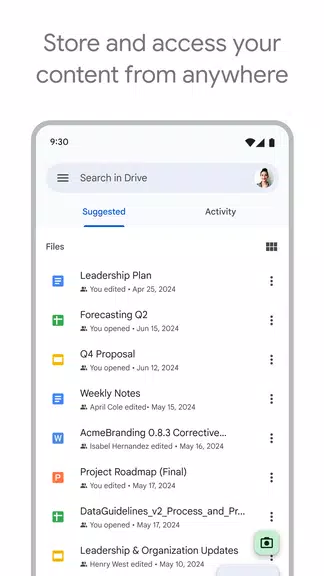
Google Drive is a cloud storage and file management app that helps you securely store, organize and access documents, photos, videos and other files from any device. It combines fast search, quick access to recent or important files and straightforward sharing controls so individuals and teams can collaborate without juggling attachments. Built-in scanning, offline viewing and support for many common file types make it useful for everyday productivity tasks whether you need to back up paperwork, edit Office and PDF files on the go, or keep project folders synced across devices. Users rely on Google Drive for secure storage and simple file sharing across phones, tablets and computers.
Key Features
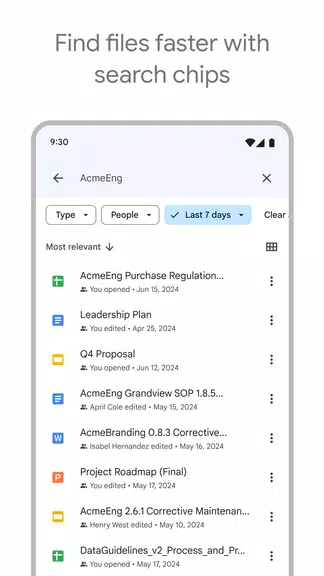
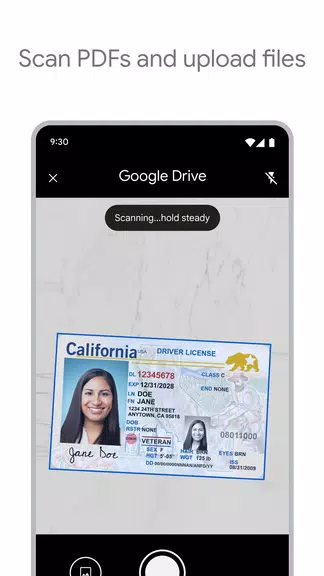
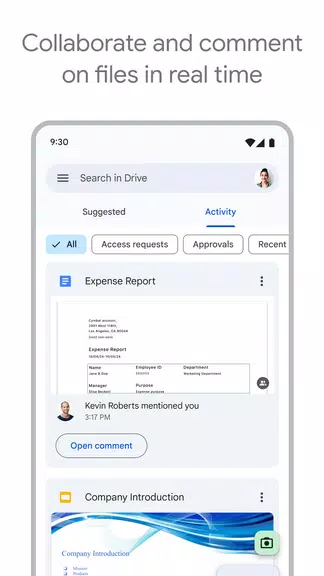
Scan paper documents with your device camera and upload them directly, then search across scanned text and file contents. In Google Drive you can view many common file types including PDFs, Office documents and videos without needing extra apps. Use quick search and filters to find files by name, type or modification date, and access recent or important items from the Home view. Share files and folders with flexible permission settings so collaborators can view, comment or edit as needed, and take advantage of offline viewing when you are away from a network.
Advantages
Google Drive provides centralized, secure storage that keeps files synced across devices and simplifies collaboration for individuals and teams. Broad file type support and built-in scanning reduce the need for additional tools, while notifications and quick access features help speed common workflows. Organizations can use Google Workspace to enable extra administrative, security and sharing controls when they need more granular management.
Disadvantages
Some advanced management and sharing features require a Google Workspace subscription. Tablet-specific interface improvements are focused on Android tablets and may not be available or fully optimized on every device type.